Loop Engineering: what it is, where to use it, and when to avoid it
Loop Engineering applies AI agents in cycles with goals, memory, verification, and limits. See where to use it in product, coding, and daily life routines.
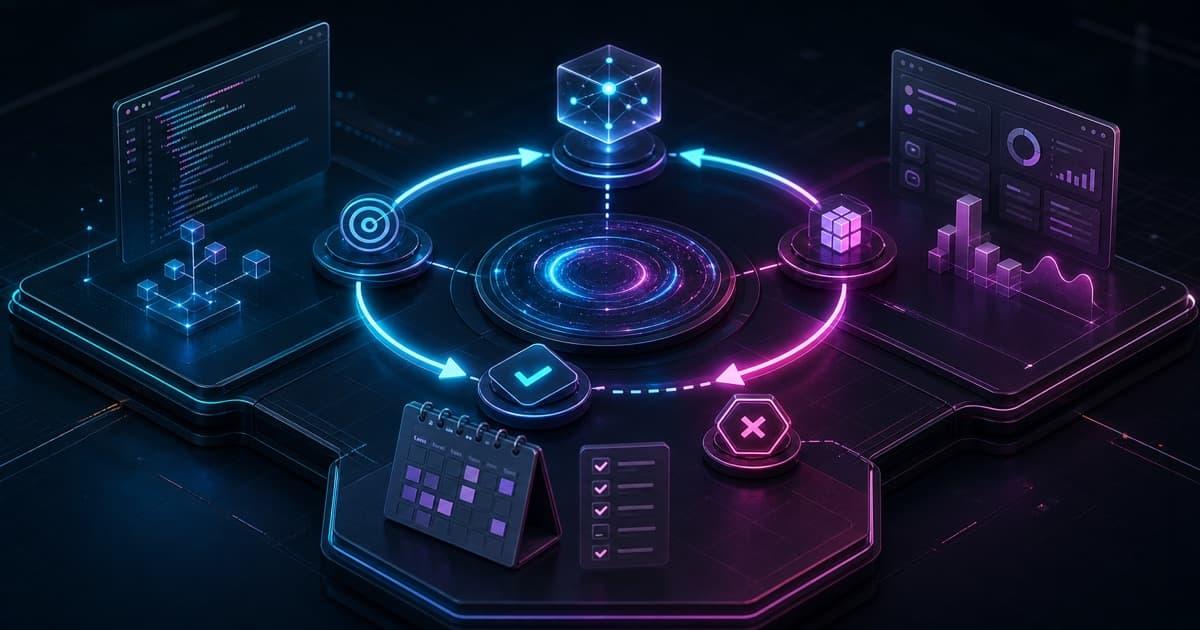
Loop Engineering is the practice of turning AI agents into work cycles with a goal, state, verification, and a limit. Instead of asking for one answer at a time, you design a system that acts, checks, learns from the previous pass, and stops when there is enough evidence.
The term is still new, but the idea already shows up in real tools: Claude Code, Codex, Conductor, pi.dev, LangGraph, Stripe Minions, WorkOS CASE, and other agent systems. The point is not to follow product hype. The point is to see the technical pattern underneath: loops, harnesses, memory, verification, observability, and human escalation.
What is Loop Engineering?
Loop Engineering means designing the cycle that lets an agent keep working until a clear condition is met.
A simple loop has four parts:
| Part | Role |
|---|---|
| Goal | Defines what must become true |
| State | Stores what already happened |
| Verifier | Rejects bad output |
| Limit | Decides when to stop |
A prompt says: "do this".
A loop says: "do this, check it with this criterion, remember what failed, try again until it passes or reaches this limit".
That is the difference between using AI as chat and using AI as a system.
Why does it matter now?
AI agents are now good enough to work longer, use tools, edit files, open pull requests, run tests, and operate in isolated environments.
But autonomy without verification becomes expensive noise. That is why the topic is appearing in several places at once:
- Addy Osmani acts as a technical curator. He separates real patterns from marketing in posts like Loop Engineering and Long-running Agents.
- Boris Cherny, creator of Claude Code, summarized the shift: "I don't prompt Claude anymore. I have loops that are running. My job is to write loops."
- LangChain describes stacked loops: agent loop, verification loop, event loop, and optimization loop.
- OpenAI shows the same direction with Codex, harness engineering, agent loops, and orchestration.
- Stripe and WorkOS show coding agents in production, with gates, evidence, and review.
The strong signal is convergence. Different tools are arriving at the same primitives.
Where is Loop Engineering useful?
Loop Engineering is useful when work repeats, success can be checked, and bad output can be rejected.
Good cases:
| Area | Use |
|---|---|
| Coding | Fix tests, lint, typecheck, small migrations |
| Product | Review specs, organize feedback, validate acceptance criteria |
| Content | Review posts, create summaries, check links, adapt formats |
| Operations | Triage tickets, summarize logs, create recurring reports |
| Personal life | Plan the week, review calendar, track habits, summarize reading |
The pattern is always the same: a repeated task, a trigger, an action, short memory, verification, and a limit.
What should you use it for day to day?
Use loops to remove yourself from repeated task micromanagement.
Personal examples:
- Every Sunday, review the calendar and suggest weekly priorities.
- Every morning, combine calendar, open tasks, and important email.
- Every night, ask three questions about the day and create a weekly review.
- When you save an article, summarize it, extract ideas, and create study cards.
- When you send a voice note, turn it into a task, post, or checklist.
This does not need to start as a complex system. It can start as a structured prompt that you run manually. Later it can become a skill, automation, schedule, or agent.
How does it help Product Engineering?
Product Engineering sits between product, code, users, and operations. It is a strong fit for loops because it has many repeated tasks with clear criteria.
Examples:
| Loop | Verifier |
|---|---|
| Review a spec before implementation | Acceptance criteria are complete |
| Turn feedback into issues | Each issue has problem, impact, and hypothesis |
| Review a product pull request | Tests, UX, copy, analytics, and edge cases are checked |
| Prepare release notes | Commits and closed issues are verified |
| Analyze recurring bugs | Logs, reproduction, and priority are defined |
The benefit is not replacing the product engineer. It is increasing cadence without losing traceability.
The engineer still makes trade-offs. The loop organizes evidence.
How does it help coding?
Code is the best place to start because it has natural verifiers.
A coding loop can be:
GOAL
Make the failing tests pass without changing public behavior.

STATE
Track failing tests, files changed, attempted fixes, and current hypothesis.

ITERATION
1. Run the focused test.
2. Read the failure.
3. Apply the smallest fix.
4. Re-run the test.
5. If green, run lint and typecheck.

VERIFY
Tests pass, lint is clean, typecheck is clean, and the diff is scoped.

STOP
Success, 6 attempts, unclear requirement, or risky change.
This loop is small, cheap, and verifiable. It is better than asking "fix the tests" and letting the agent touch the whole project.
Over time, you can create loops to:
- Fix simple warnings.
- Update dependencies with tests.
- Open small pull requests.
- Review breaking changes.
- Create tests for reproduced bugs.
- Audit internal references before publishing.
Who should use it?
Loop Engineering is most useful for people who already have repeated work and some control over the environment.
High-fit profiles:
- Product engineers.
- Senior and staff engineers.
- AI engineers.
- Technical founders.
- DevTools builders.
- Technical creators with a publishing routine.
- Teams already using Codex, Claude Code, Cursor, Conductor, pi.dev, LangGraph, or internal agents.
Beginners can use the idea too, but they should start with manual and simple loops. The risk for beginners is automating confusion.
When should you avoid it?
Do not use a loop when the work has no gate.
Avoid it for:
- Rare tasks that do not justify setup.
- High-impact decisions with weak evidence.
- Work where "good" is mostly taste.
- Irreversible actions without human approval.
- Large refactors without tests.
- Automating a process you do not understand manually yet.
If a script solves it, use a script. If a checklist solves it, use a checklist. If a human conversation solves it, have the conversation.
Loop Engineering is not an excuse to put an agent everywhere.
How are companies using it?
Serious companies do not use loops as magic. They use loops with isolation, gates, and review.
| Company or project | Interesting pattern |
|---|---|
| Anthropic Claude Code | Coding agents with tools, subagents, hooks, and long-running workflows |
| OpenAI Codex | Agent loop, harness engineering, isolated environments, and orchestration |
| Conductor | Many agents in parallel workspaces, with the human as orchestrator |
| pi.dev | Minimal harness, useful for seeing what is essential |
| LangChain | Graphs, state, observability, and stacked loops |
| Stripe Minions | Internal agents generating pull requests with verification |
| WorkOS CASE | Multi-agent pipeline with evidence gates |
| Cursor | Background agents and agent-assisted IDE workflow |
The common pattern is not the brand. It is the system design:
- Explicit context.
- Controlled tools.
- Isolated environment.
- External verification.
- Execution limit.
- Human review at the right points.
What must a serious loop control?
A serious loop does not only control the prompt. It controls time, space, and evidence.
Controlled time keeps the agent from running forever. Isolated space keeps a small task from touching sensitive areas. Reviewable evidence keeps "looks done" from becoming the success criterion.
| Dimension | What to control | Why it matters |
|---|---|---|
| Time | Iterations, tokens, timeout, stop condition | Prevents spend without progress |
| Space | Branch, worktree, sandbox, files, network, credentials | Reduces blast radius |
| Evidence | Tests, logs, commits, diffs, structured output | Makes the result auditable |
| Human role | Approval, review, escalation, merge decision | Keeps judgment where it matters |
That is the essence of loop engineering: the agent can execute, but the system must govern the cycle.
In coding, this usually becomes a simple pattern:
- Create an isolated environment.
- Give a small goal.
- Run one iteration.
- Capture logs and changes.
- Verify with tests, lint, typecheck, or review.
- Turn progress into a reviewable diff or commit.
- Repeat, stop, or call a person.
The important detail is to separate production from acceptance. The agent can produce code. The loop should not accept that code only because the agent said it was done.
A good loop also needs to distinguish two modes:
| Mode | When to use it | Human role |
|---|---|---|
| Hands-off | Small, verifiable work where mistakes are cheap | Review the result afterward |
| Companion | Uncertain, exploratory, or sensitive work | Watch, steer, and tighten criteria |
A long-running loop does not mean an absent human. It means the human sits at the right level: defining goals, gates, limits, and review, not typing every next prompt.
How should you start?
Start with a loop that fails cheaply.
A good first loop for this blog would be:
GOAL
Validate a bilingual blog post before publishing.

CHECKS
- frontmatter is valid
- pt-BR and en share translationKey
- descriptions are 150 to 160 characters
- no em dash or en dash in prose
- cover image is 1200x630 and under 600 KB
- bun velite passes
- bun lint has no new errors

STOP
Success, missing source content, or 5 failed attempts.
This loop is small, useful, and connected to real work. It also has objective verifiers.
After that, it is worth creating loops for pull request review, link audits, issue triage, and technical journal generation.
What is the right question for a new agent tool?
When a new agent tool appears, ask:
Which part of the loop does it improve?
Possible answers:
- Trigger.
- Context.
- Tools.
- State.
- Verification.
- Cost.
- Observability.
- Human handoff.
If the tool does not improve any of these parts, it may only be packaging.
That is why people like Addy Osmani are useful to follow. He helps turn announcements into technical patterns. You do not need to believe the marketing. You need to understand the system part.
TL;DR
Loop Engineering is the next step after prompt engineering. Prompt engineering teaches you how to ask. Loop Engineering teaches you how to build a system that keeps working, verifies its own output, remembers what happened, and stops safely.
Use it for repeated, verifiable work where mistakes are cheap. Use it in product, coding, content, operations, and personal routines. Do not use it where there is no gate, where errors are expensive, or where a simple checklist already works.
The future of agent work is not writing bigger prompts. It is designing smaller, safer, verifiable loops.
References
- Addy Osmani, "Loop Engineering"
- Addy Osmani, "Long-running Agents"
- LangChain, "The Art of Loop Engineering"
- OpenAI, "Unrolling the Codex agent loop"
- OpenAI, "Harness Engineering"
- Conductor Docs, "Introduction"
- Pi Documentation
- Cursor, "Best practices for coding with agents"
- Stripe, "Minions: Stripe's one-shot end-to-end coding agents"
- WorkOS CASE, GitHub repository
Written by AI, reviewed by Thiago Marinho
June 27, 2026 · Brazil