Git Worktree: The Standard for Juggling Multiple Features and Running Agents in Parallel
Many working trees, one repository. How git worktree kills destructive context switching, runs multiple AI agents in parallel, and why it beats cloning the repo by hand.
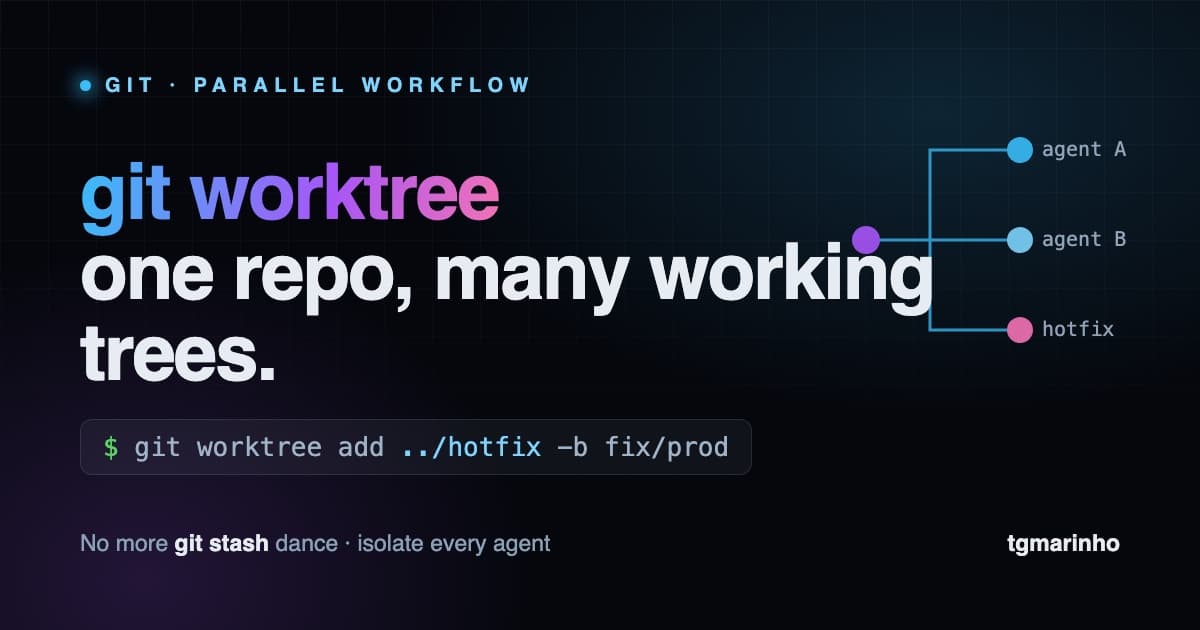
You're halfway through a feature, ten files modified, dev server running. Then comes the "can you take a quick look at this PR?" or the "there's a bug in production, fix it now." What follows is always the same dance: git stash, switch branches, wait for node_modules to rebuild, restart the server, fix the thing, switch back, git stash pop, and pray there's no conflict.
All that friction has a name for its cure: git worktree. And in 2026, with AI agents working in parallel, it stopped being a power-user trick and became part of the basic workflow.
What it is, in one sentence
A normal Git repository has one working tree tied to one .git. git worktree lets you have multiple working trees pointing at the same repository: each in a different folder, each on a different branch, all sharing the same history and the same objects.
In practice: instead of switching branches inside the same folder, you have several folders, each "parked" on its own branch. No stash. No lost state.
The commands that matter
Create a fresh worktree in a sibling folder, already on a new branch:
git worktree add ../hotfix -b fix/login-500That creates ../hotfix with the fix/login-500 branch ready to go. You open another terminal (or another editor window) there and work without touching your main folder.
List what exists:
git worktree listWhen you're done, remove it:
git worktree remove ../hotfixAnd every now and then, clean up orphaned references (folders you deleted by hand):
git worktree pruneThat's basically four commands. The return on that investment is absurd.
The workflow in practice
Hotfix without losing your WIP. The scenario from the top of this post becomes trivial: git worktree add ../hotfix -b fix/prod, fix it there, open the PR, and your feature stays intact with the server still running in the other folder.
Actually review a PR. Instead of checking out someone else's branch and trashing your environment, create a worktree, run it, test it, read it. Your branch never even finds out.
Long builds in parallel. Let one worktree compile or run heavy tests while you keep coding in another. They're isolated processes in isolated folders.
The 2026 reason: agents in parallel
Here's what changed the game. When you run several AI agents at once (one implementing the feature, another writing tests, another chasing a bug), they cannot share the same folder. Two agents editing the same files in the same working tree is a recipe for state corruption and conflicts that are impossible to debug.
The solution is to give each agent its own worktree: same codebase, shared history, but isolated working trees. Each agent works on its own branch, in its own folder, without stepping on the others. At the end, you review and merge.
This isn't theory, and it got a lot easier. Tools like Conductor orchestrate exactly this: one worktree per agent workspace, created and torn down automatically. Paired with a lightweight editor like Zed, you open each worktree in its own window and watch the agents work side by side. Codex also picked up first-class worktree support: it spins up a fresh worktree (in detached mode) for each conversation thread, runs the environment setup, and offers a "hand off to local" to bring the changes back. Running several tasks in parallel no longer requires shell duct tape.
What looked like an obscure Git detail became the foundation of multi-agent development, and the tooling finally hides the grunt work.
Comparing variants in parallel
One use that only clicks once you try it: hand the same task to several agents at once and compare the results. Want to redesign a page? Spin up three worktrees and ask for three directions (futurism, brutalism, minimalism), one per agent. Each worktree runs its own dev server on a different port (5171 for main, 5172 and 5173 for the variants), and you flip between them side by side before deciding which one to merge.
Because everything shares the same .git, merging the chosen version is local: you don't even need to push to GitHub. One worktree can see the branches created in another, so you consolidate the work without depending on an external connection.
Worktree vs. cloning the repo
"But I already do this by cloning the repo into another folder." It works, but it's heavier and disconnected:
- Disk space. Every
git cloneduplicates the entire history (the.gitfolder). Worktrees share a single.git; only the branch's files are checked out. - Local merges. Between clones, moving a change from one folder to another usually goes through push + pull on a central server. Between worktrees, the merge is local and instant.
- Visibility.
git worktree listshows every tree and which branch each one is on. With clones, you navigate folder by folder to find out what's going on.
In short: a clone is an isolated universe; a worktree is a lightweight extension of the same repository.
.env and dependencies: the detail that trips everyone up
The spot where most people stumble: since .env, secrets, and node_modules live in .gitignore (or just aren't versioned), Git does not copy any of that into the new worktree. You open the folder, run the project, and the environment variables are missing.
The fix is automation. A common pattern is a postinstall script in your package manager (with Bun, hooked to bun install) that finds the .env in the main repository and copies it into the worktree as soon as dependencies finish installing. Tools like Codex let you configure "environments" that run this setup on their own for each new thread, which means for each new worktree.
And remember: whatever you copied by hand goes away when the worktree is removed. That folder's node_modules and .env disappear with git worktree remove.
The real bottleneck: database and infra, not code
Worth being honest about the limit. A worktree isolates the code tree, not the state. Frontend, SDK, and application logic parallelize fine, because they're just files. The problem shows up underneath, in the infrastructure: every worktree usually points at the same database, the same queues, the same external services.
So two agents running divergent migrations against the same database, or one seed changing rows the other reads, collide again. Except now it's in the data, not the file. Feature flags help isolate behavior at the application layer, but they don't isolate schema or data.
The answer to "is there a versioned database?" is: sort of, and it's getting better.
- Database branching. Neon, PlanetScale, Supabase, and Turso branch the database via copy-on-write. Each worktree (or each preview deploy) gets its own isolated copy that you throw away afterward. It's the worktree equivalent for Postgres.
- Git for data. Dolt brings literal Git semantics to SQL tables: branch, commit, merge, and diff of rows, not just schema.
- An ephemeral database per worktree. The basic option that always works: a containerized Postgres per worktree on a different port, with its own seed. Or embedded SQLite, one file per folder.
- Versioned migrations. Prisma, Drizzle, Flyway: the schema lives in Git and travels with the branch. But that versions the structure, not the data or the production state.
In short: a worktree handles the code for free; the database and the infra you still have to isolate on purpose. The combination becoming the standard is worktree for the code plus database branching for the state, one pair per feature or per agent.
The gotchas
Worth knowing the limits before you trip over them:
- The same branch can't be checked out in two worktrees at once. Git blocks this on purpose, so you don't end up with two trees diverging on the same reference.
- Run the install in each worktree. Each one is a real folder on disk with its own
node_modules. A package manager with a global cache like Bun makes this quick. - Clean up when you're done. Abandoned worktrees pile up. Use
removeandprune. Some apps tidy up on their own (Codex removes old or excess worktrees unless the conversation is pinned), but in the terminal cleanup is on you.
Conclusion
git worktree solves a problem every developer has but learned to tolerate: destructive context switching. Four commands, and you stop choosing between "finishing what you were doing" and "handling the emergency." You become a manager of multiple workstreams instead of a sequential executor.
And with agents working in parallel, it went from convenience to requirement. If you're still doing the stash dance, it's time to change.
Reference: video on git worktree by Augusto Galego.
Written by AI, reviewed by Thiago Marinho
April 27, 2026 · Brazil